Review: G’AIM’E Plug & Play Gun System
When the G’AIM’E light gun project was announced and started being shown publicly earlier this year, it made a lot of people take notice, since it aims to fill a void that many have been clamoring for, which is a modern light gun system that functions as a plug and play solution, with no sensors, borders, or extra software setup required on modern displays. When it was confirmed that the system would also feature several classic Namco light gun games on the device, including Time Crisis, it made the deal even sweeter.
When I first got hands-on with the hardware at a show back in September, it was pretty promising, as it seemed to function quite well, especially given that it was running on a random show floor with minimal setup, but I was also excited to see how it would perform in more controlled environments at home, and also after the hardware teams had some more time to continue improving it as time went on.
Currently, I’ve had nearly two weeks to spend at home with the system and have put it through a good amount of testing with many different variables, and there’s a lot of good things to talk about, as well as some that could be better, and I’ll provide as much information as I can to help determine if this is the right device for you or as a gift for someone you know.
Reviewing a product like G’AIM’E is challenging, since the light gun genre has been so absent from the lives of gaming audiences over the last 10 years or so, aside from those folks who still own their old CRT monitors and classic consoles, or those who have dedicated the time, effort, and money to get a modern light gun setup running on their PCs. Because of this, it feels necessary to lay out as many details and observations as possible, and how those would apply to both people who are well-versed with how modern light guns are set up, and those who haven’t gone down that road yet.
First of all, it’s worth mentioning that there’s three different versions available for the G’AIM’E, as follows:
Basic edition, which includes only one gun and the console with only Time Crisis
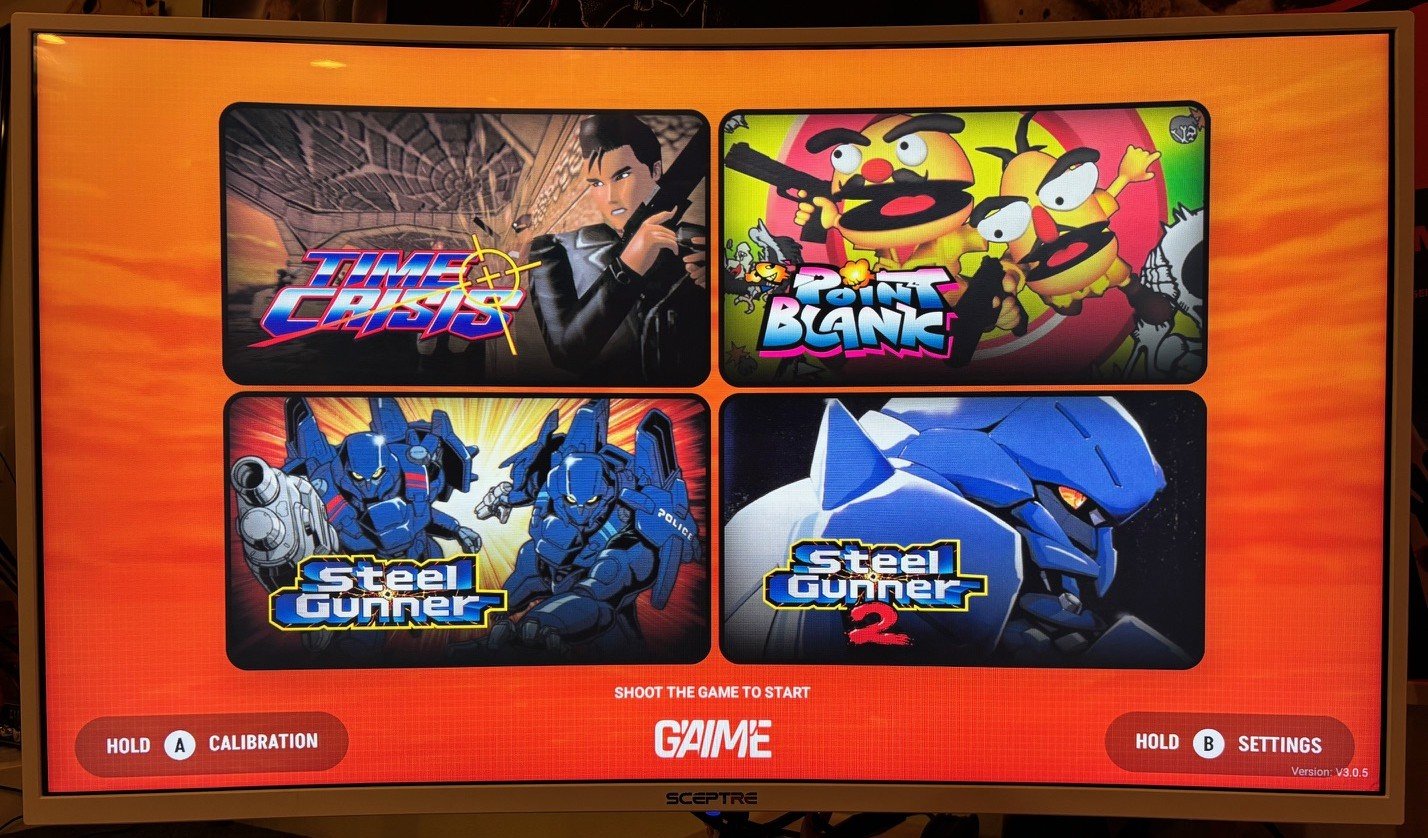
Premium edition, which includes one gun, one pedal, and the console with Time Crisis, Point Blank, and Steel Gunner 1 & 2, plus a pin badge
Ultimate edition, which includes two guns, one pedal, power brick, and the console with all four games, plus the pin badge and acrylic display
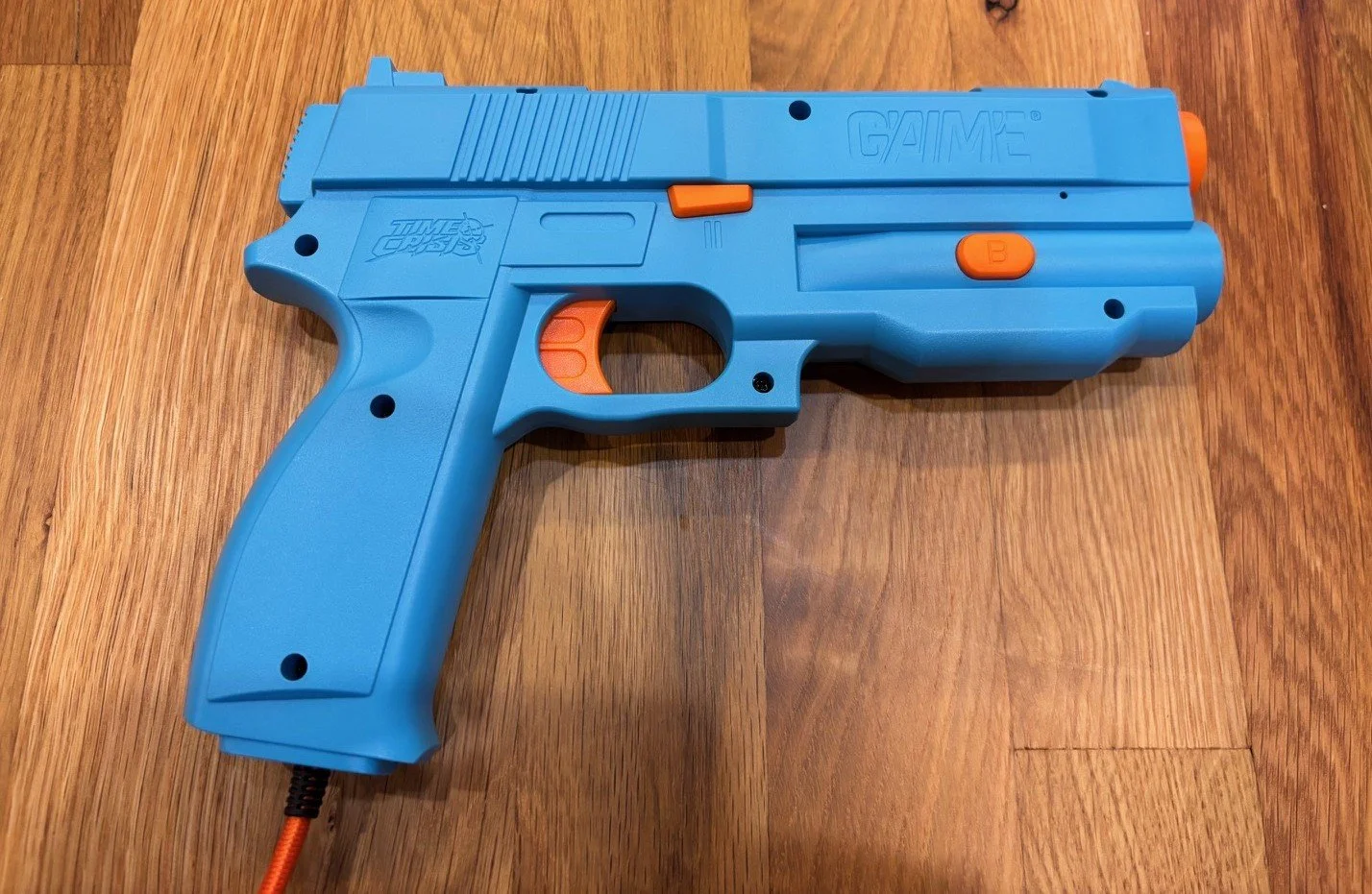
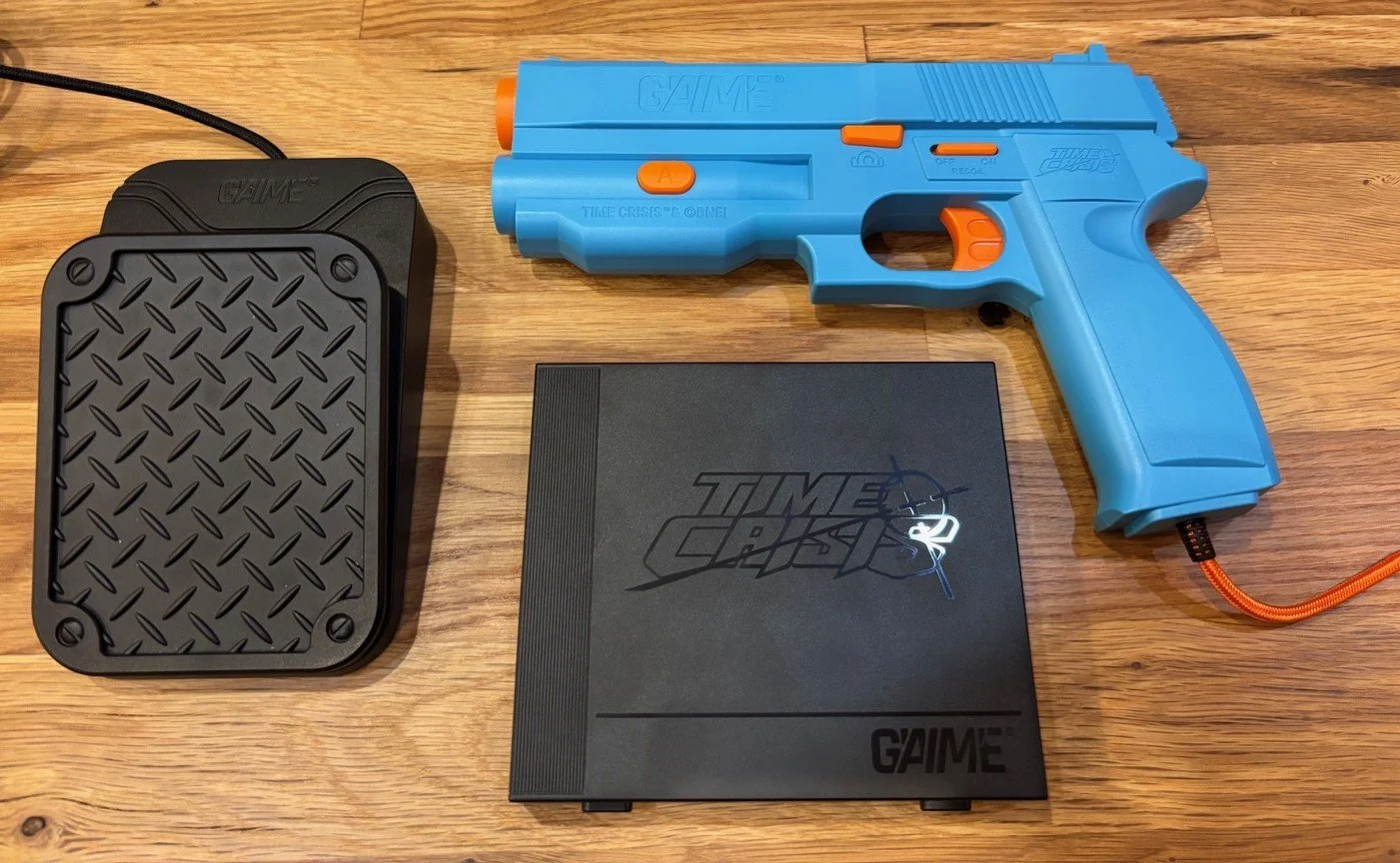
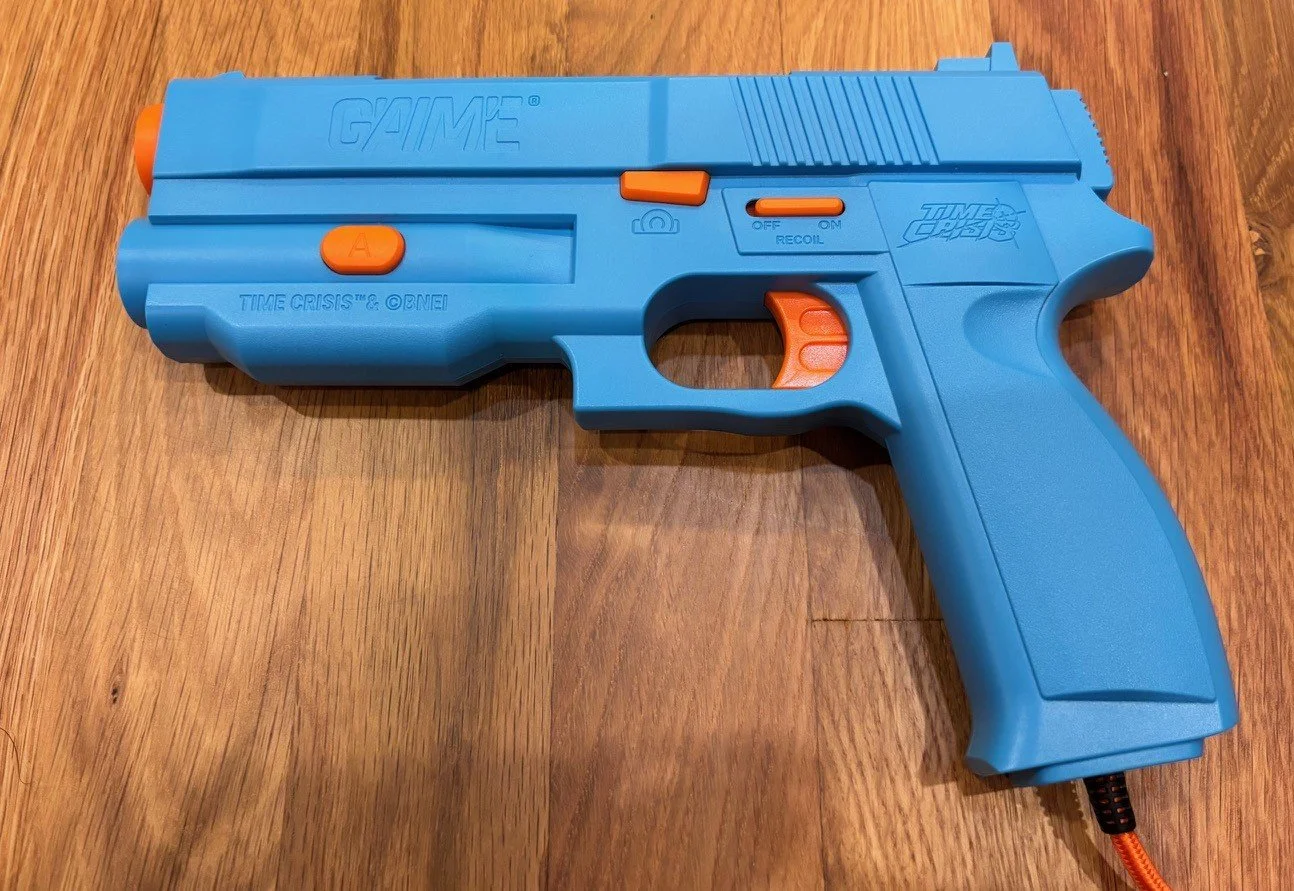
Starting with the absolute basics, the aesthetics and build quality of the device are quite good overall, with the gun itself being modeled very closely after Namco’s original arcade gun that was featured on games like Point Blank and Time Crisis, and it’s a very ergonomic design with a great trigger and handle. It has a recoil feature that’s just a fairly short rumble vibration, but it helps a little with the immersion, even if it’s a far cry from Namco’s powerful slide recoil on the arcade gun.
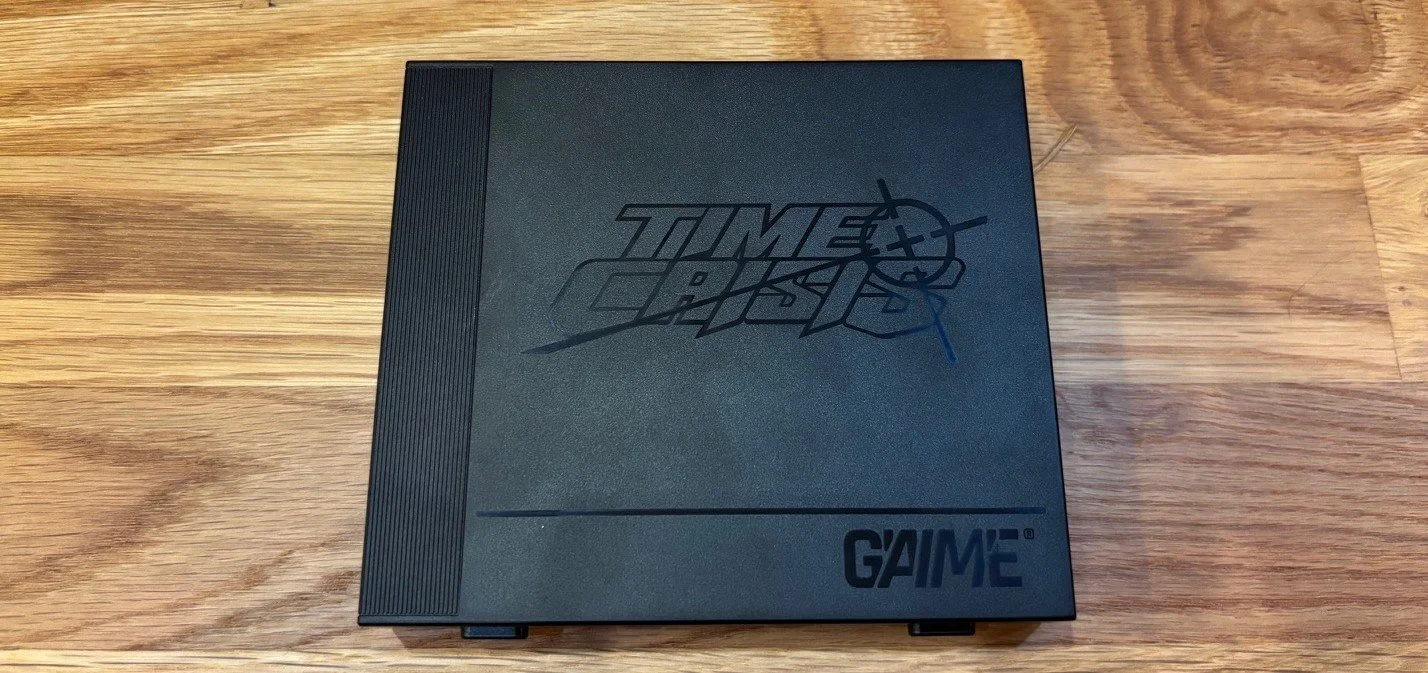
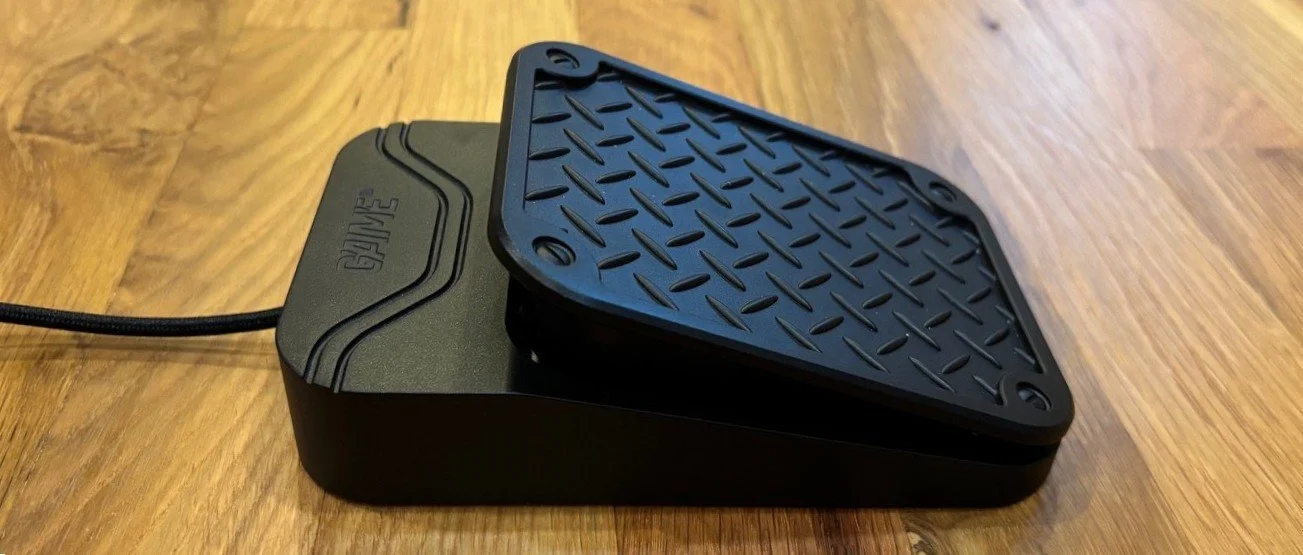
The build of the pedal is quite solid for being entirely made of plastic, and it has some decent rubber feet on the bottom that should help it from moving on most surfaces unless it’s being hit very heavily. The console itself looks great, with the Time Crisis logo etched into the top, but is a pretty basic little computing box at the end of the day, so there’s not much else to look at. The only thing that’s a little off-putting about the packaging itself is that only the Ultimate edition comes with a power brick that can properly power the console, so if you end up with either the Basic or the Premium editions, you’ll need to source a correct power brick for it on your own, which needs a specific power rating and plug for your region of the world.
Now we can move on to the setup, which will be one of the most complicated parts of the whole experience for some users, especially if you’ve never set up modern light guns yourself. If you’re one of those who hasn’t, you’ll have to keep in mind that getting any light gun setup to work on HDTVs has a handful of caveats and hoops to jump through, and the G’AIM’E device shares a few of them, but also manages to avoid several of them.
One major thing to mention right away is that when you’re unpacking the guns to set up, there are two different stickers over the front barrel/lens of the gun that need to be removed before the gun can fully track properly. This is a somewhat puzzling decision, which was surely done for safety reasons, but it makes for a bit of a confusing unboxing experience if you’re unaware of it, since the second sticker is nearly invisible unless you look closely. Unlike other modern light guns, there’s no extra sensors or software tweaking to mess with, so once it’s unpacked, you just plug everything in and turn it on.
Before you even turn on the console, you’ll also need to carefully consider the space and environment requirements the system needs to work correctly, and though all this is laid out in the manual and quick start guides, it can’t be overstated just how much these variables will affect the performance of the gun. You’ll need to turn off most bright light sources in the room or around the monitor, and you’ll also need to have a minimum distance from the monitor, which also depends on the size of the monitor itself, since the camera in the front of the gun needs to see the entire screen no matter where you’re aiming.
The bigger the monitor, the further away you’ll need to be, and the distance can be quite extreme for some people, so you’ll typically get better results when using a smaller monitor, but not everyone has the means to control their environment that much, so it is something to consider. Again, much of this is also true for many other modern light gun solutions, but it may frustrate newcomers.
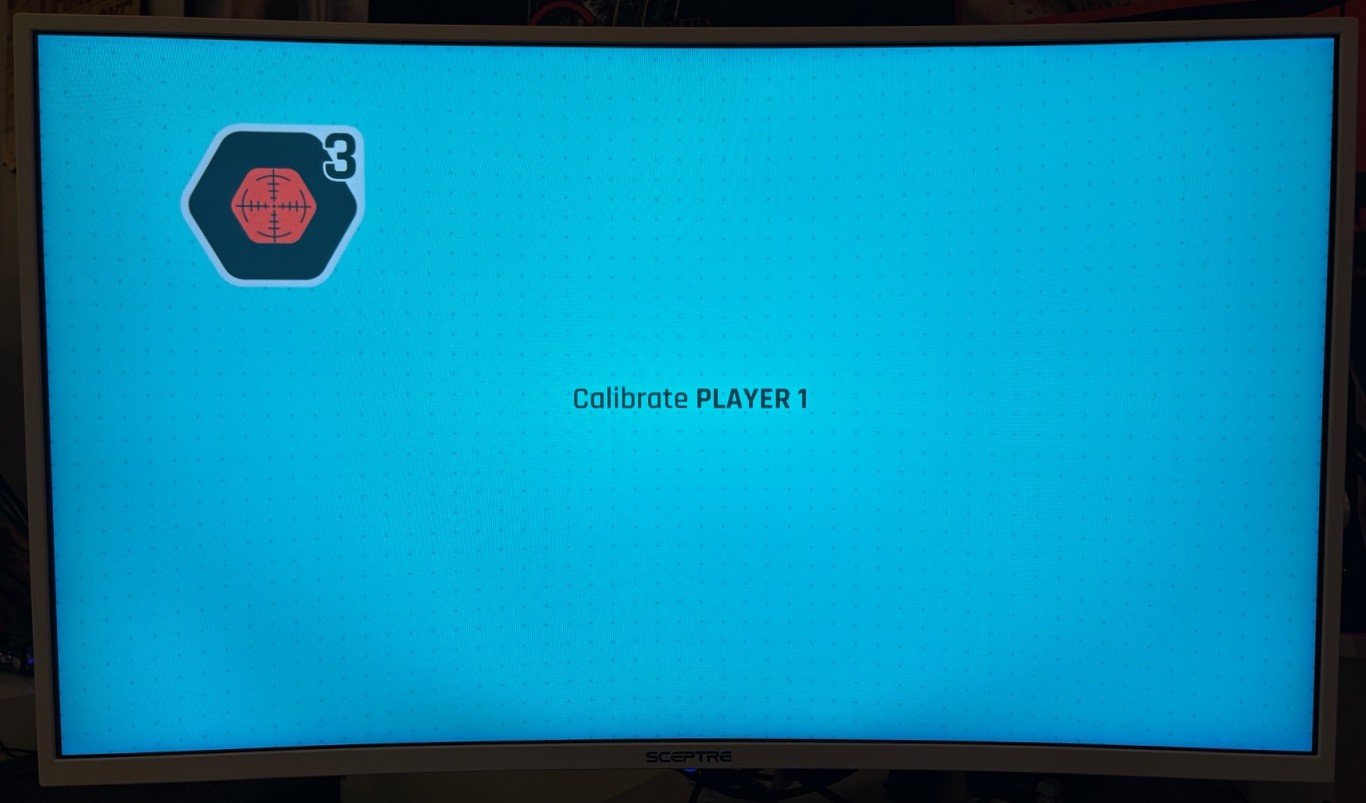
When you go to calibrate, there’s another strange little caveat, which is about the aspect ratio of the calibration screen, since myself and several other users who’ve already gotten the G’AIM’E system in their hands have attested that you may need to change some of your monitor settings to get this working well. Besides setting your screen to Game Mode (if it has one,) many players have found that using your TV settings to make the calibration screen into a 4:3 aspect ratio has helped with accuracy, since all four of the games included with the system also run in their original arcade aspect ratios of 4:3.
Update: As of March 2026, the 4:3 aspect ratio issue has been fixed with a firmware update, the details are here.
Once you’ve got it calibrated, you’ll be taken to the main menu, which offers lots of different customization for each game, including turning on optional crosshairs for Time Crisis, reducing the screen flashing, and adjusting the difficulty level in each game. Since these are the original arcade versions of these games, it’s good to keep in mind that these games on their default arcade difficulties are designed from the ground up to steal your quarters and tear you to pieces, so the difficulty adjustment is much appreciated here, even if the easy difficulties can still present a challenge for most players.
Now, as far as the accuracy, there’s also a lot of factors that play into this, so different people will get different results, and each person will also have different levels of tolerance or patience for getting the setup right. This is not unique to the G’AIM’E system though, as most other modern light gun solutions have similar amounts of setup and tinkering to get them set up correctly, as you can easily see if you search around the internet for experiences of people setting up their new PC light guns, but this will be a new experience for anyone who hasn’t taken a foray into setting up modern guns.
It’s also good to set your expectations here, since this is a modern light gun solution, after all, which functions very differently than your arcade-perfect or CRT light gun systems of old, so expecting it to function with the same level of accuracy and responsiveness of the experiences from the 1990s and early 2000s is setting you up for failure, in a certain sense. When the G’AIM’E is set up properly, it’ll function fairly closely to something like using a WiiMote, GunCon 3, or a Sinden light gun for aiming, but is closest to the WiiMote in terms of responsiveness.
If you’re already a light gun enthusiast or purist who has a modern light gun setup and is expecting this to be closer to top-of-the-line arcade style RetroShooter/Gun4IR options, you’ll also be barking up the wrong tree here, as it’s not that by a long shot, but when you consider the price and relative ease of hardware and software setup the G’AIM’E has compared to the other options, it’s pretty impressive when it’s set up correctly.

I tested the system on four different monitors in four different rooms, and got fairly accurate results on most of them when the conditions were right, but had a lot more trouble getting the largest screen (60”) to be accurate, even at some pretty extreme distances. So, as stated earlier, it’s best to try to set this up on a smaller monitor if possible.
Contrary to popular light gun elitist opinion, using crosshairs in games is not “cheating,” it just makes for a slightly different experience, not to mention that many arcade games (including both Steel Gunner games) and all Wii/PS Move gun games have built-in crosshairs as well. Three of the games here have the option for crosshairs, which might change the way you play a little bit, but it’s no less valid of an experience. Unfortunately, Point Blank is the one game that doesn’t allow a crosshair option, which makes it hard to play sometimes, since such high levels of speed and precision are needed to play the game to its fullest extent, but then again, it can even be hard to hit some of the requirements on an actual arcade machine.
I think it’s also worth mentioning that if you’re a light gun purist who is looking to get arcade-perfect accuracy or top ranking scores and 1-credit game clears with a modern aiming setup like this, you should probably look elsewhere, as this won’t be for you. But, for someone who just wants to casually play these games and re-live your memories of playing them without too much fuss or setup, this will be more up your alley.
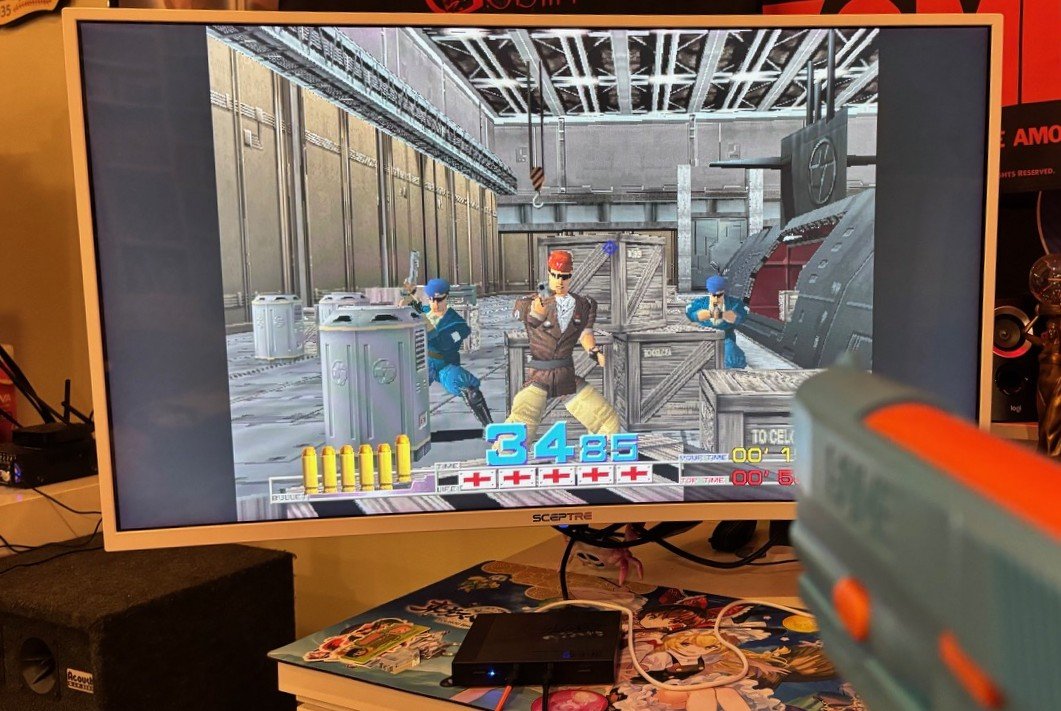
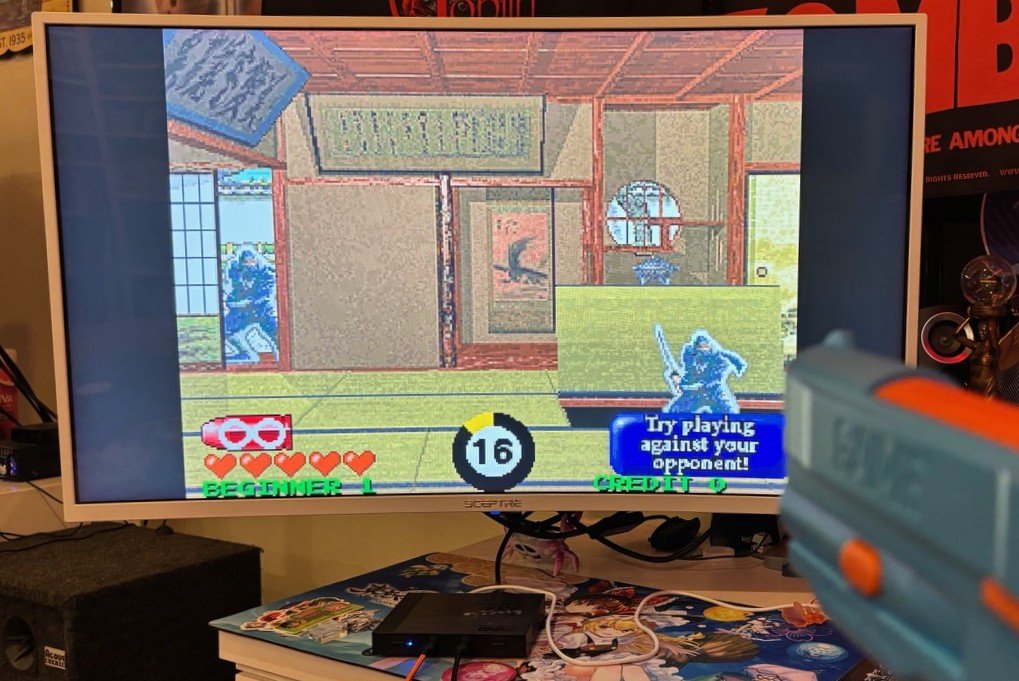
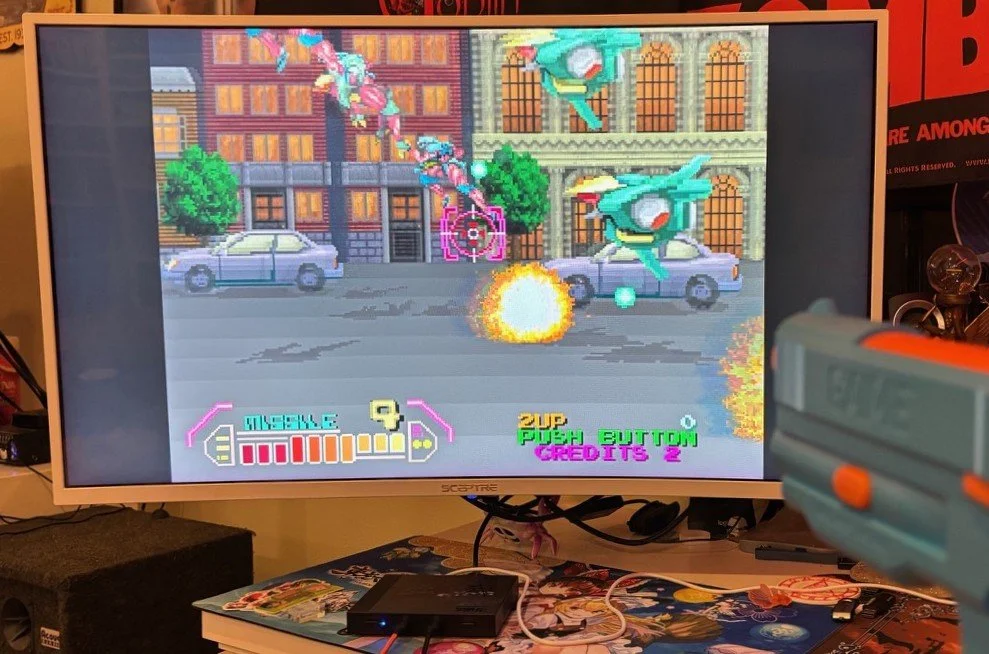
It’ll also be a personal decision as to whether having these four games is enough to justify the purchase of the system for you, since while they are four quite fun, classic games, the novelty of the device being portable and playable will be more of a selling point for many players than the variety of games that are included. It’d also be nice if they could add the original PlayStation versions of Time Crisis and Point Blank, which had some extra modes and stages, but it’s hard to say if that will ever happen. I have clarified with the developers of the system that they’re in planning stages to have more games available for the G’AIM’E system in the future, but nothing is set in stone yet, so these are the only four games you’ll have access to for the near future.
While I won’t actually factor this into the overall value of the gun just yet, the G’AIM’E gun can also be used on PC to play some games there, but you’ll still need a similar distance from the monitor for it to work correctly. This has its limitations, as you can only play with one gun at a time and you’ll need to be playing the games through some kind of system where you can remap the controls in most cases, but it definitely can work for some games. Since this isn’t its intended use, I’ll just include it as a bit of extra info for those who are curious.
This brings us to some conclusions about the device and the general value, so I’ll start by saying this system will certainly not be for everyone, but it’s best suited for an audience of people who are either passionate Namco/Time Crisis collectors or fans, or for those who enjoy the novelty and ease-of-use that the system offers for a modern light gun solution. I’m glad that it’s an accessible, modern solution that may help older light gun fans or newer gamers who are curious about light guns to have a taste of what it’s like to use modern light guns at home without a lot of the extra setup or investment of making it work on modern displays.
The plug-and-play functionality and its simplicity are nice to have, but it being a modern light gun solution means you will still have to be thorough and sometimes meticulous to get it set up correctly, which may frustrate some users. It also may not be compatible with your current living situation, but it certainly has its place as a modern solution for the right people.
As far as the price, it’s a quality package for what’s included here, especially when you compare it to the cost and level of devotion/setup that’s required for any modern PC light gun setup to function from a hardware and software perspective, though the average consumer may balk at the price, having not bought or played with light guns in a long time.
The package that most people would likely want to get would be the Premium package, which has all four games and the pedal, and for the $150 cost, it has everything you need to get started playing light gun games quickly and easily. Conversely, getting a similar light gun setup and a PC/device to play them on could be much more expensive, even though it could offer a lot more gameplay options at the cost of extra money, effort, research, and time put into getting it set up.
Overall, this is a great package for those who fit into the right categories as described above, but will be of little value for light gun purists, hardcore score hunters, or those whose living situation would not facilitate the guns working correctly. There’s still lots of room for improvement on this package to make it even more accessible and increase the value for more people, but this is a pretty good start for the project. I’m hoping they’re able to continue improving and evolving it as time goes on, so I’ll be following any further developments or updates on the system, and I hope it can become a solid modern platform for people to play a wider variety of light gun games with relative ease for some time into the future.